Which Mac cleanup app fits you?
Putzen, CleanMyMac, Gemini 2, DaisyDisk and Finder help with different parts of cleanup. Here’s how to choose.
Compare at a glance ↓
✦Finding the files is one thing.
Deciding is another.
Putzen is for the Downloads folder you keep putting off. See one file, preview it, then choose Keep or Move to Trash. Switch to a grid when you want to review several at once.
€5 once. Launch price, normally €9. No subscription.
Try it with sample files ↗ 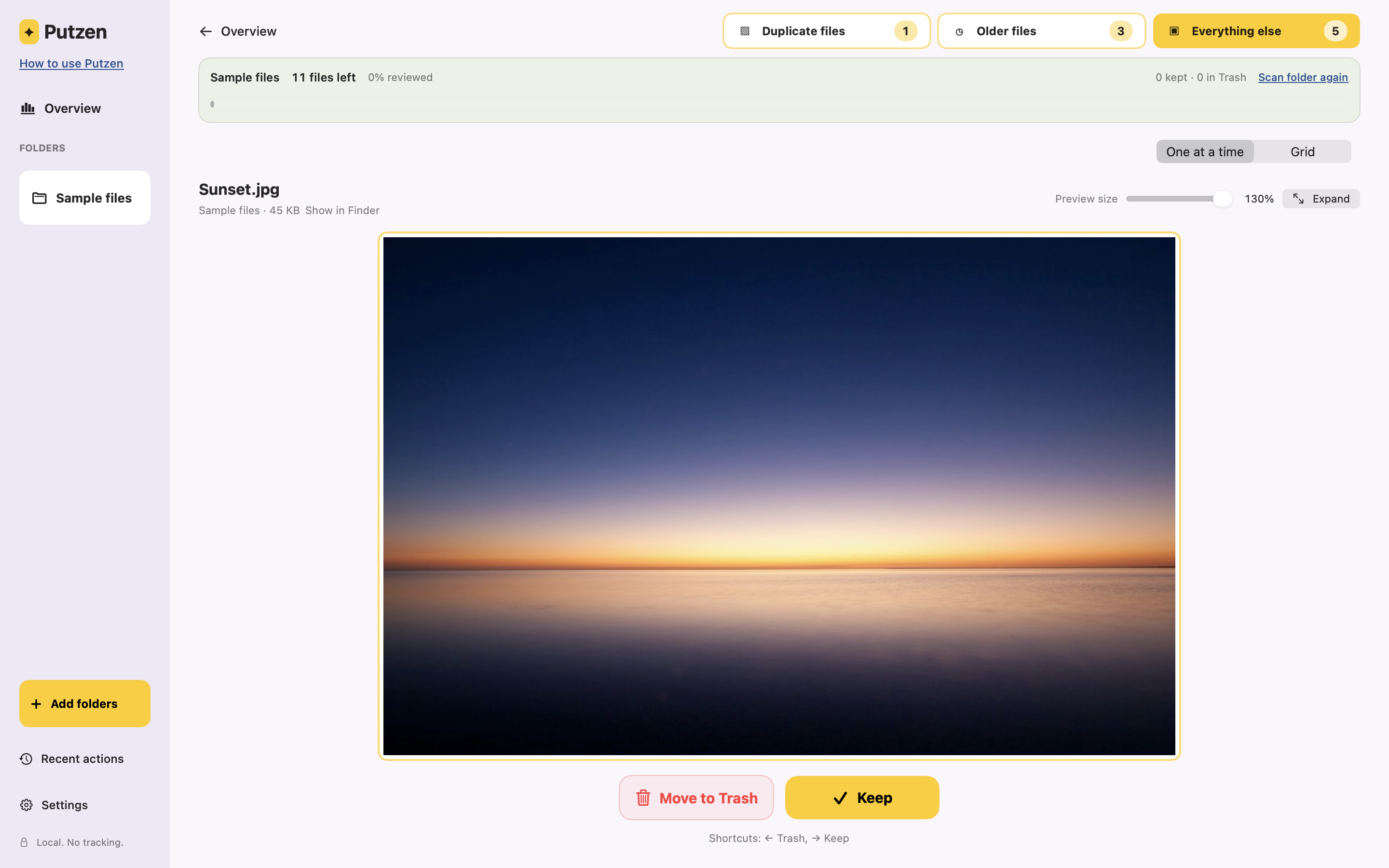
Compare at a glance.
Choose by the job you want done.
Mac cleanup tools compared by purpose, workflow and pricing| Tool | A good fit for | How you use it | Price |
|---|
| PutzenOur app | Reviewing personal files in small, manageable sessions. | Keep or Trash, one file at a time. Content-based duplicates, files added over six months ago, and the remaining files. Start with any group. | €5 onceLaunch price; normally €9.
Lifetime access.See Putzen pricing |
|---|
| CleanMyMac | Broader Mac maintenance, including system junk, app removal and malware scanning. | Scan with maintenance and cleanup tools, then review results. Also includes duplicate and similar-photo detection. | US$39.95/yearOr US$119.95 one-time.
1 Mac, direct store.Official pricing |
|---|
| Gemini 2 | Finding exact duplicates and similar files. | Review matching groups yourself, or use Smart Select to choose copies for removal. Includes duplicate monitoring. | US$23.40/yearOr US$44.95 one-time.
1 Mac, direct store.Official pricing |
|---|
| DaisyDisk | Seeing which files and folders take up disk space. | Explore a visual disk map, inspect large items and choose what to remove. | US$9.99 onceLifetime license.
Minor updates included.Official pricing |
|---|
Finder &
macOS Storage | Occasional cleanup with tools already on your Mac. | Browse and preview files in Finder, or review categories and sort files by size in Storage settings. | Included with macOSNo extra app purchase.Apple’s guide |
|---|
Checked 23 October 2026 against the official pages linked above. Competitor prices are displayed in US dollars as shown on their direct websites. Currency, tax, promotions, editions and upgrade terms can change the final price. This is our comparison, not an independent review or a speed test.
The difference is the job.
Putzen vs CleanMyMac
Choose Putzen when your personal folders need decisions: which downloads, documents and other files should stay?
Choose CleanMyMac when you want a broader maintenance suite. Putzen doesn’t remove system caches, uninstall apps or scan for malware. Explore CleanMyMac.
Putzen vs Gemini 2
Choose Putzen to work through exact duplicates alongside older files and the rest of a folder. Keep one copy, keep all copies, or move them all to Trash.
Choose Gemini 2 when similar-file matching, Smart Select or ongoing duplicate monitoring is what you need. Putzen finds matching file content; it doesn’t group photos just because they look alike. Explore Gemini 2.
Putzen vs DaisyDisk
Choose Putzen when you want to look at the files themselves and make Keep or Trash decisions.
Choose DaisyDisk when your first question is “What is taking up all my space?” Its disk map helps you explore storage use. Putzen shows the space used by the files it scans, but isn’t a whole-disk analyzer. Explore DaisyDisk.
Putzen vs Finder
If browsing folders and deleting files in Finder already works for you, you may not need another app.
Putzen adds automatic groups and a dedicated Keep or Trash workflow for when a large folder feels like too much to tackle at once. You can review a few files and save your place with Done for today.
Before you choose Putzen.
Check your Mac. Putzen needs an Apple Silicon Mac, M1 or newer, running macOS 15 or later.
Review files, not app libraries. The Photos library isn’t supported. Files detected as cloud-only are skipped.
Trash still means deleting. Putzen moves your chosen files to your Mac’s Trash. In synced folders, deletion can also affect the cloud and other devices. It doesn’t just remove a local download.
You stay in control. Putzen doesn’t empty the Trash. Space is reclaimed after you empty it, and macOS may retain snapshots.
Try the decisions.
Keep your own files out of it.
The interactive demo uses sample files. Nothing on your Mac is accessed.
Try PutzenSee pricing